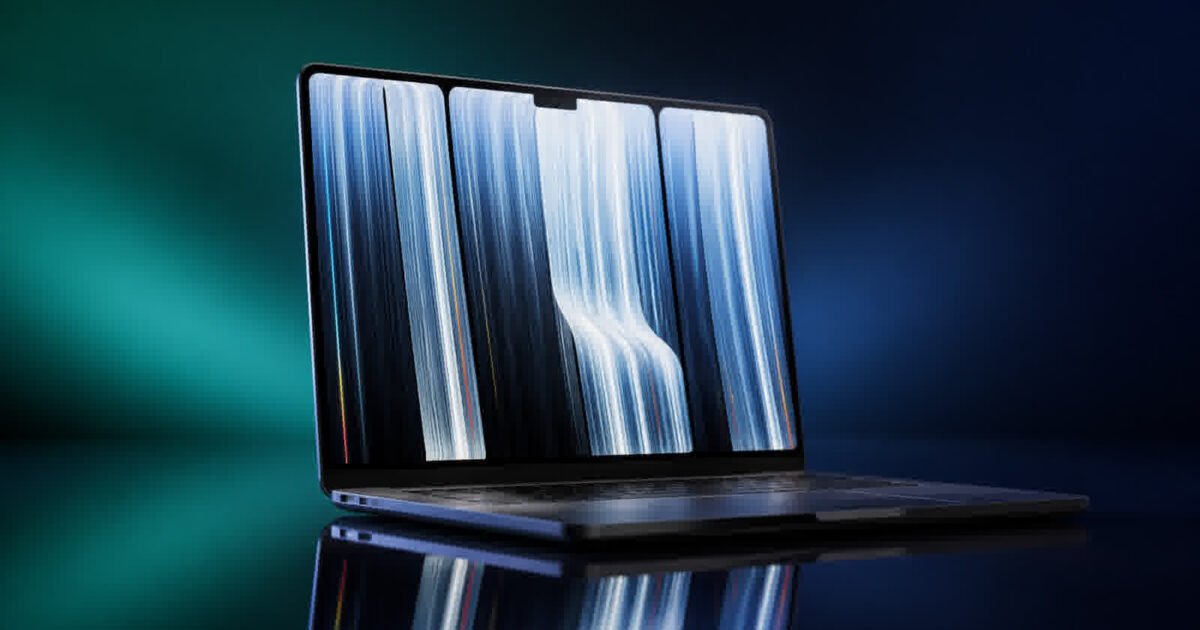
For more than a decade, Apple said no to touchscreen Macs. That stance ended on October 28, when the company announced the Apple MacBook Pro with PROLED XDR Display — the first touch-enabled MacBook in Apple’s history. Pre-orders opened the same week, and the new laptops went on sale worldwide on November 6, 2026.
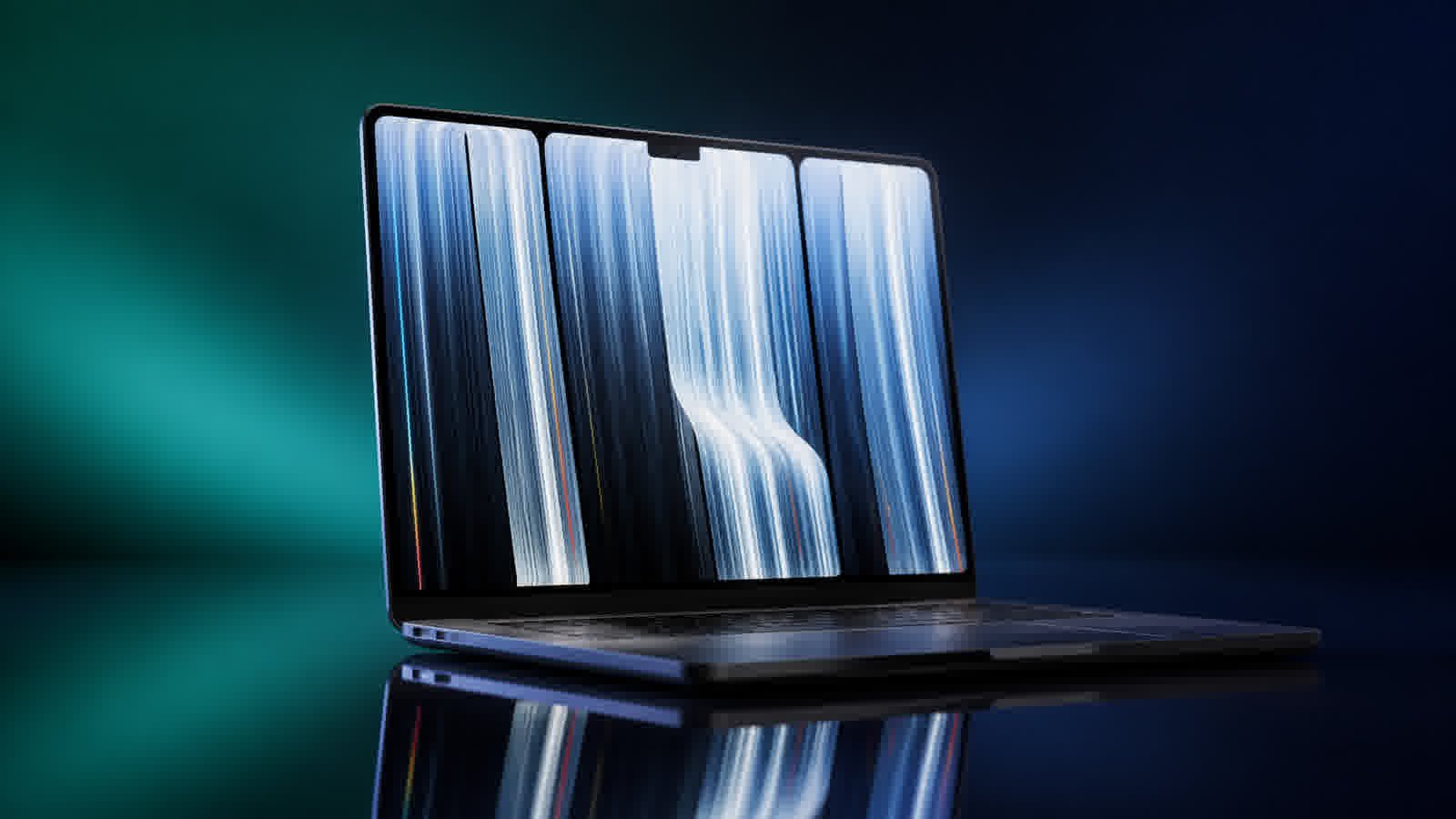
It is a genuine turning point, not an incremental refresh. The new MacBook Pro pairs a brighter tandem OLED screen with full touch input, replaces the notch with the Dynamic Island, and drops to a lighter ~3-pound chassis while gaining the M5 Pro and M5 Max chips.
The 30-Second Verdict: The Apple MacBook Pro with PROLED XDR is the biggest rethink of the Mac laptop since the original Intel transition. It is the first touchscreen Mac ever, combining a 2,000-nit tandem OLED display with the Dynamic Island (borrowed from iPhone) and a slimmer, lighter body. The M5 Pro and M5 Max silicon, up to 24 hours of battery life, and a truly responsive touch layer make it the default pick for creative professionals who have been waiting for Apple to meet them halfway. The $400 premium over non-touch models and a first-gen-touch learning curve are the main trade-offs.
A brief history: Why this matters
Apple resisted touchscreen laptops for years, arguing that a Mac should stay on your lap with a trackpad while an iPad took the finger input. Its only earlier experiment, the Touch Bar on MacBook Pro from 2016, was a thin strip of controls — not a screen you touched — and Apple quietly removed it. So when the company finally put touch on the full 14.2-inch and 16.3-inch displays, it required real work: the touch sensor is built directly into the display panel rather than layered on top, which keeps latency low so your finger feels like it is touching the content itself. Apple also designed a stiffer hinge so the screen stays steady while you tap, drag and pinch.
That design work was years in the making. Apple’s own engineers reportedly debated touch on the Mac internally since the late 2010s, with the company reportedly reluctant to blur the line between Mac and iPad. The debate carried over into Apple’s new CEO era under John Ternus, and October 28’s announcement finally settled it. Make no mistake: the MacBook Pro now speaks both languages — trackpad-first for work, touch-first when you want it.
The Apple MacBook Pro PROLED XDR: a brighter, truer picture
The easy way to understand the new panel: the MacBook Pro that went on sale November 6 uses a tandem OLED screen instead of the mini-LED display of the previous generation.
Here is what tandems mean in everyday terms. An OLED screen lights up one pixel at a time, so blacks are truly black and there is none of the halo “glow” you sometimes see around bright objects on mini-LED panels. In a tandem OLED, Apple stacks two layers of light-emitting pixels on top of each other. Each layer does only half the work, so the combined panel gets dramatically brighter for the same power draw.
Apple calls the result PROLED XDR, and the numbers are large: a peak brightness of 2,000 nits for HDR content and 2,000 nits outdoors in sunlight, with sustained full-screen brightness up to 1,000 nits and a contrast ratio of 10,000,000:1. To put nits in plain terms, a typical living-room TV peaks at a few hundred nits, and a bright phone screen hits roughly 1,000 to 1,500. The new MacBook Pro saturates that figure outdoors so you can actually read it in direct sun. The refresh rate stays flexible at 10–120Hz, so motion stays smooth while static text sips less power.
There are real-world wins beyond raw brightness. The panel covers the P3 wide color range plus Adobe RGB — a boon for photographers who edit in that profile — and the previous “Liquid Retina XDR” mini-LED display was out as of the switch. The 16-inch model’s screen even grows slightly to 16.3 inches while the body gets smaller.
Specs and M5 performance
Under the hood, the new MacBook Pro ships with two chip options: the M5 Pro and the M5 Max. Apple describes them as its most powerful chips ever built for a pro laptop, and the specifications back that up — up to 128GB of unified memory, configurable storage up to 16TB, three Thunderbolt 5 ports, Wi-Fi 7, and up to four external displays on the M5 Max. The 12MP Center Stage camera and a redesigned six-speaker system with 50 percent deeper bass round out the hardware.
There is an important distinction to keep in mind, one that echoes how Apple stages its iPhone silicon across generations: the M6 MacBook Pro (announced for the same lineup) does not get the touchscreen. Touch comes exclusively with the PROLED XDR models, which use the M5 Pro and M5 Max. If you want the newest chip and touch, reports suggest those paths cross later — but for now, buying a PROLED XDR Mac means buying M5.
By the numbers: PROLED XDR vs the previous MacBook Pro
| Feature | MacBook Pro PROLED XDR (M5) | Previous MacBook Pro | Win-Notes |
|---|---|---|---|
| Display tech | PROLED XDR, tandem OLED, 2,000-nit peak (1,000-nit sustained), 10,000,000:1 contrast | Mini-LED Liquid Retina XDR, 1,600-nit peak, 1,000,000:1 contrast | OLED wins on contrast and brightness |
| Touchscreen | Yes — first touch Mac, sensor embedded in panel | No | Touch arrives for the first time |
| Top cutout | Dynamic Island (Spotlight, Live Activities, Siri AI) | Notch | Dynamic Island is more useful than a passive notch |
| Chip | M5 Pro / M5 Max (up to 128GB, 16TB) | M4 Pro / M4 Max | One generation ahead |
| Weight | ~3.0 lb (1.38 kg) 14-inch; ~4.0 lb (1.82 kg) 16-inch | ~3.5 lb 14-inch; ~4.7–4.8 lb 16-inch | Noticeably lighter, both sizes |
| Price (US, reports) | From $2,899 (14-inch M5 Pro); 16-inch from $3,399; ~$400 above non-touch | Non-touch M5 and earlier M4-priced models | Pay a premium for touch + OLED |
Upgrade Check
Should you trade in your current MacBook Pro for the PROLED XDR? Here is our honest take, split by who you are:
- You are a video editor, colorist or photographer — Yes, upgrade. If you grade in Adobe RGB, edit HDR, or review footage on location, the 2,000-nit tandem OLED and touch scrubbing in Final Cut Pro are worth the price of admission on their own.
- You own an M3, M4 or M5 Pro from the last two years — Consider it, but carefully. The display and the lighter body are the headline reasons; everyday app speed is a modest step rather than a giant leap. If a bright, touch-capable panel matters to you, go ahead. If not, the older machine still has plenty of life.
- You are a writer, coder or spreadsheet user — Maybe wait. The trackpad and keyboard are still excellent, and touch simply won’t add much to typing all day. You will get better value from the non-touch M5 MacBook Pro.
- You run heavy AI or GPU workloads — Yes. The M5 Max with up to 128GB unified memory is the most capable Mac laptop ever shipped, and it now sits in a 4-pound body.
A practical note before you buy: this is the first touchscreen Apple has shipped on a Mac, so some macOS gestures still prefer a trackpad. The Dynamic Island currently hosts Spotlight, Live Activities and Siri AI — and putting Spotlight there requires Siri AI to be enabled. Expect refinements in future macOS updates.
What it signals for the Mac lineup — and who it’s for
The arrival of touch on the Mac is bigger than one product. It signals that Apple now believes some pros want a laptop that borrows the iPhone’s most useful interface ideas, starting with the Dynamic Island. It reframes the Mac as a device that can genuinely rival Windows touchscreen laptops, which have shipped those panels for years. And it gives Apple a clear reason to keep the pressure on the entire ecosystem, from the M-series silicon to macOS itself — holding its own even as rival Android chips like Qualcomm’s Snapdragon push higher and higher peak clocks.
For now, the PROLED XDR MacBook Pro is aimed squarely at creative professionals: editors, photographers, animators, musicians and designers who live in apps like Final Cut Pro and Logic Pro and will gain real speed from touching their canvas directly. It is an easier sell to them than to the general road-warrior crowd.
If you are weighing the broader shape of the market, the same forces — brighter panels, foldable screens and bigger batteries — are reshaping the entire device world, and this laptop now sits at the heart of that movement. For the wider picture, browse our Emerging Mobile Tech guide to foldables, wearables and 6G, or our running 2026 roundup of mobile tech trends. The MacBook Pro with PROLED XDR is Apple finally conceding the obvious: a laptop screen you can touch is simply more useful. After years of “will they, won’t they,” they did.
Key sources: Apple Newsroom press release, The Verge hands-on review, The Verge announcement, TechCrunch launch coverage, Macworld buying guide.
Reviewed and approved by Prof. Ajay S., professor at a State University in Delhi.


Leave a Reply